Introduction
Almost every parent has asked themselves: “Can my child really learn to read from a mobile app?”
With hundreds of educational apps available in app stores, screens have become a standard part of early childhood. However, not all screen time is created equal. Many parents download apps hoping they will teach reading, only to find their child mindlessly tapping animations or watching cartoons.
But when chosen correctly, a reading app can act as a patient, interactive tutor. By shifting from passive viewing to active speaking, children can learn phonics, master blending, and build reading confidence. This guide explains how to choose an app that actually teaches reading, and how to structure your child's practice for the best results.
Why Most Reading Apps Fail (Passive Learning)
To understand how a child can learn from an app how to read, we first need to look at why many popular apps fail to teach actual reading skills:
- Mindless Tapping: Many games allow children to advance simply by tapping random areas of the screen. The child is playing a video game, not decoding letters.
- Passive Video Watching: Apps that rely solely on sing-along songs or cartoon stories treat children as spectators. Watching a video does not teach the mechanical skill of sounding out a word.
- No Speech Feedback: Reading is an oral skill. If an app only asks a child to read silently or listen to a voice-over, it misses the most crucial step: speaking the words aloud.
How Kids Actually Learn to Read from a Mobile App (The Active Method)
For an app to successfully teach early reading (for Nursery, LKG, and UKG children), it must follow a structured, multi-sensory phonetic curriculum. Here is how an active learning app accomplishes this:
1. Phonics & Letter-Sound Association
Before reading words, children must connect letter shapes (graphemes) with their sounds (phonemes). A good app uses interactive visual associations. For example, showing the letter A, making the sound /æ/, and showing an apple. Interactive tracing also helps lock the letter shape into memory.
2. Blending and Word Building
Once letter sounds are known, the app should guide the child to slide sounds together (blending). Drag-and-drop letter puzzles are excellent for this. The child drags C, A, and T into boxes, hearing each sound stretch out: /cccaaatt/ -> cat.
3. Speak-to-Verify (Microphone Practice)
This is the turning point in digital reading education. The app must prompt the child to speak the word or sentence into the microphone. Using speech recognition technology, the app evaluates the child’s pronunciation and gives immediate, gentle feedback. This oral feedback loop is what mimics a real classroom teacher.
4. Reading Contextual Stories
After mastering single words (like CVC words), children need to read full sentences in short, decodable stories. The app should display simple text alongside illustrations, highlighting words as the child reads them aloud.
3 Ways Parents Can Support App-Based Reading
An app is a tool, but parent involvement makes it twice as effective. Here is how you can support your child's digital reading journey:
- Set a 10-Minute Daily Routine: Early learners have short attention spans. Consistent 10-minute daily sessions are much more effective than a single 1-hour session on weekends.
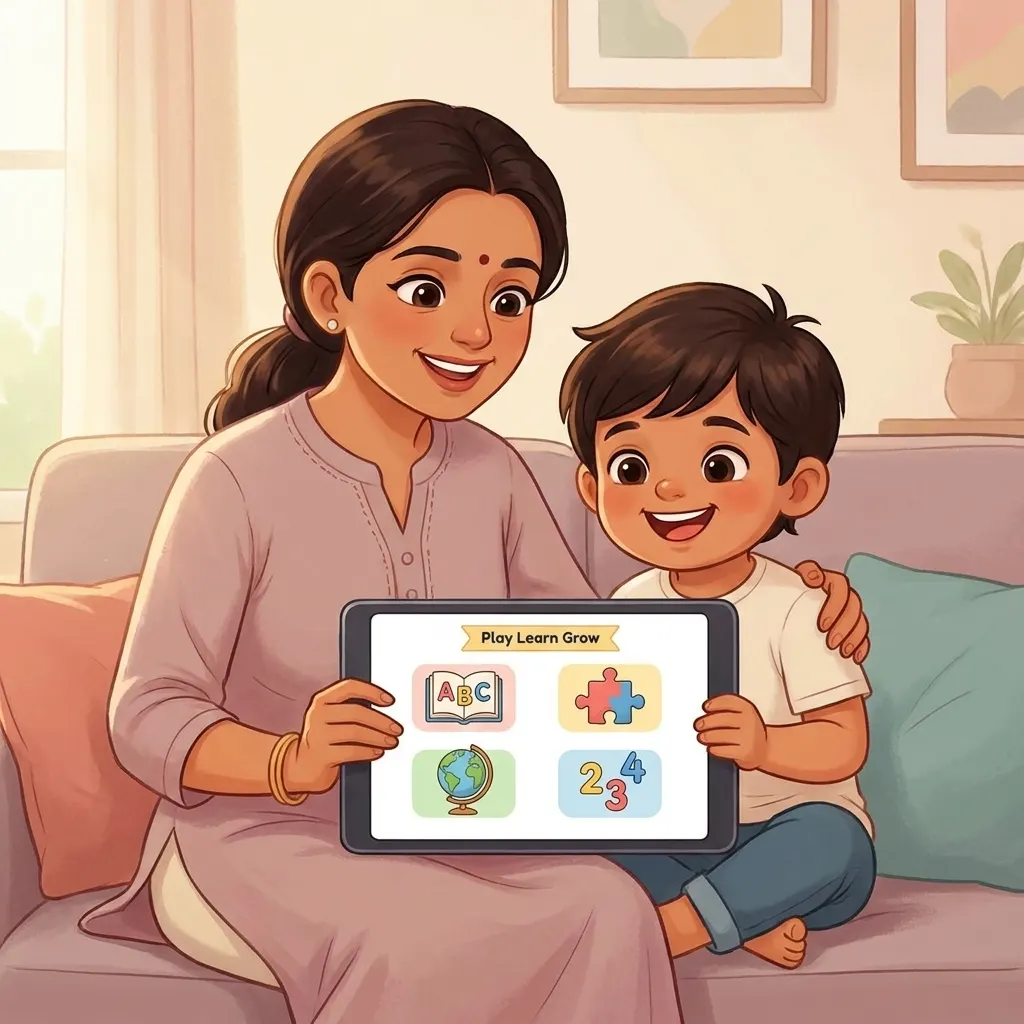
- Sit and Listen for the First Few Sessions: Sit with your child to model how to interact with the app. Show them how to wait for the microphone prompt, speak clearly, and try again if they make a mistake.
- Connect App Learning to the Real World: If your child reads the word dog in the app, point to a dog during an evening walk and say: "Look, a dog! Let's spell it like we did in the app: /d/-/o/-/g/!"
How PLG Kids Turns Screen Time into Active Reading
The PLG Kids app was built specifically to address the failures of passive screen time. Our curriculum is designed to teach reading actively:
- Two-Way Speaking Loop: PLG Kids does not let children scroll passively. Our lessons require kids to listen, process, and speak words back into the microphone.
- Local AI Speech Recognition: Our patient speech checking engine is designed for children's voices. It evaluates their pronunciation locally on the device (no remote data storage, ensuring complete child privacy) and rewards correct speech with stars.
- UKG/LKG English & Phonics Curriculum: From basic letter sounds and continuous blending to advanced spelling bee challenges, our path guides children step-by-step.
- 100% Ad-Free & Safe: There are no external ads or stranger chat features. Parents can hand over the device with peace of mind.
Check out the interactive activities in the PLG Kids learning app today!
Frequently Asked Questions (FAQ)
Can a child learn to read solely from a tablet app?
While an app is an incredibly powerful tool for phonics and pronunciation practice, children still benefit from reading physical books, pointing to text with their fingers, and discussing stories with their parents. The best approach is combining a structured app like PLG Kids with physical bedtime reading.
What is the difference between active and passive reading apps?
Passive apps involve watching videos or tapping animations without speaking. Active apps require the child to think, solve spelling puzzles, and physically read words aloud into a microphone to receive feedback.
At what age can a child start learning to read with an app?
Children can start playing letter-sound matching games around age 3 (Nursery). By age 4 to 5 (LKG/UKG), they are ready to use speech-verification features to practice blending CVC words and reading simple sentences.