Introduction
In traditional classrooms, shy or soft-spoken children often get left behind. When a teacher asks a question, the more outgoing students answer first, leaving quiet children with fewer opportunities to practice their speech. This lack of verbal practice can lead to hesitation, unclear pronunciation, and low confidence.
Historically, technology didn't help—most educational apps were passive, asking kids to watch videos or tap icons silently. However, the rise of child-optimized speech recognition technology is changing early childhood education. By providing a patient, private, and interactive listener, speech verification tools allow children to build clear articulation and speaking confidence at their own pace.
The Speaking Gap: Why Quiet Kids Struggle
Learning to read and speak requires active oral practice. If a child only reads silently or listens to others, their brain doesn't build the motor-sensory pathways needed for clear speech.
Shy children often face a double obstacle:
- Fear of Judgment: They are afraid of making pronunciation mistakes in front of teachers, peers, or parents.
- Lack of Turn-Taking: In groups, they rarely get the individual attention needed to correct minor speech slips (like blending issues or letter sound substitutions).
Interactive speech recognition acts as a bridge. It offers a private, non-judgmental partner who listens patiently and validates every attempt.
How Child-Optimized Speech Recognition Works
Unlike adult speech recognition (like Siri or Alexa) which struggles with children's high pitch and developmental speech patterns, child-optimized engines are specifically trained on kids' voices.
   [ Child Speaks ]  👉  [ Soundwaves Processed Locally ]  👉  [ AI Evaluates Sounds ]
("The cat sat...")          (Instant local feedback, no lag)        (Checks phonemes / blends)
Inside the PLG Kids app, this technology functions through three main stages:
1. Phoneme-Level Matching
The engine doesn't just listen to the whole word; it breaks down words into individual sounds (phonemes). If a child reads the word ship, the app checks if they made the clean /sh/ digraph, the short /i/ vowel, and the terminal /p/ sound.
2. Immediate Visual Validation
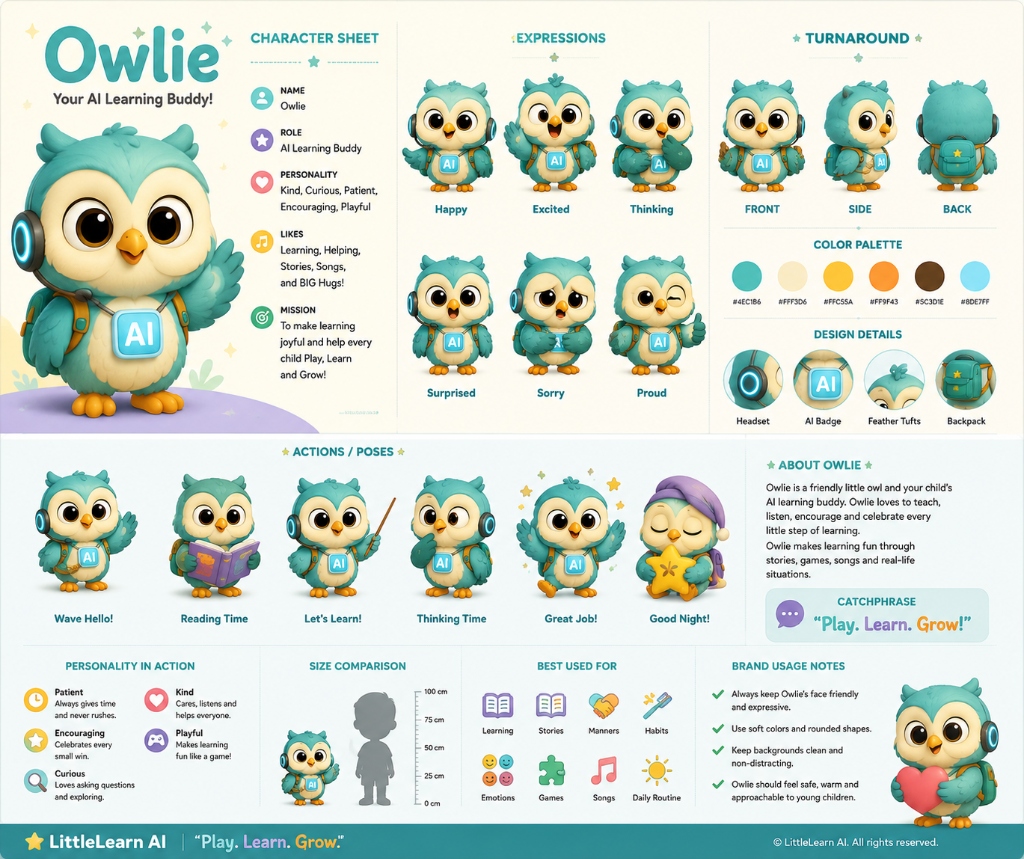
If the child speaks correctly, their AI learning buddy, Owlie, waves excitedly and rewards them with stars. This instant positive reinforcement builds a strong connection between speaking and success.
3. Patient Retry Loops
If the pronunciation is unclear, the app doesn't buzz or say "Wrong." Instead, the system models the correct sound again and prompts the child to retry when they are ready. This turns mistakes into zero-pressure learning opportunities.
3 Benefits of On-Device Speech Checking
| Benefit | How It Works | Developmental Impact |
|---|---|---|
| Zero Peer Pressure | Children speak to a friendly avatar (Owlie) instead of a crowded room. | Reduces speech anxiety and builds native-speaking confidence. |
| Active Speech Loop | Requires active vocal response to advance through games. | Breaks passive screen scrolling habits. |
| On-Device Privacy | Speech evaluation is processed 100% locally on the device. | Guarantees child voice privacy and works offline without internet. |
How PLG Kids Features Speech Verification
At LittleLearn AI, we built our entire curriculum around an active speech verification engine. In our Phonics, LKG English, and UKG Storytelling modules:
- Children read letters, CVC words, and full sentences aloud.
- Owlie sits on the screen wearing his blue headset, listening intently to verify pronunciation.
- Children receive real-time feedback, helping them correct speech errors (like confusing /f/ and /th/ or dropping terminal consonants) in a fun, gamified format.
Check out the interactive activities in the PLG Kids learning app today!
Frequently Asked Questions (FAQ)
Can speech recognition apps replace human speech therapy?
No. For children with diagnosed clinical speech delays or articulation disorders, professional speech-language pathologists (SLPs) are essential. Speech recognition apps are designed as supplementary tools to build confidence, practice daily reading homework, and refine general pronunciation.
How does the app handle background noise?
Our local speech verification engine uses noise-filtering algorithms to isolate the child's voice from typical household background sounds. However, for best results, we recommend practicing in a relatively quiet room.
Does the app store my child's voice recordings?
No. In compliance with COPPA and the India DPDP Act, all voice recognition is processed locally on the device's chip. The audio is never recorded, stored, or sent to cloud servers.