Introduction
As parents, we want to support our child’s reading journey. We buy books, practice alphabet flashcards, and sit with them during reading homework. However, it can be incredibly difficult to measure their progress. How do we know if they are actually understanding phonics rules or simply memorizing stories?
This is where speech analytics and progress trackers come in. Modern educational apps can analyze your child's speaking and reading patterns, offering a clear window into their developmental progress.
By tracking speech metrics, you can identify exactly where your child is excelling and where they need extra support.
4 Key Speech Metrics Parents Should Track
A comprehensive reading dashboard goes beyond "time spent playing." It measures the physical mechanics of speech and decoding:
1. Phoneme Accuracy (Sound Clarity)
This measures how accurately your child pronounces individual letter sounds (phonemes). For example, does your child pronounce the /s/ sound cleanly, or do they substitute it with a /th/ sound? Tracking phoneme accuracy helps identify articulation issues early.
2. Word Blending Success Rate
Can your child connect isolated sounds into a word, or do they struggle with choppy blending? Tracking how many attempts it takes to blend 3-letter CVC words (like cat, dog, pin) helps parents monitor reading fluency.
3. High-Frequency Sight Word Recognition
Sight words (like the, have, said) must be recognized instantly. A progress tracker logs how quickly and consistently your child identifies these words without trying to sound them out phonetically.
4. Reading Pacing & Hesitation
Fluency isn't just about accuracy; it's also about rhythm. Tracking the pauses between words in a sentence tells parents if a child is reading comfortably or struggling to decode each word, which drains their comprehension.
The PLG Kids Parent Center: Your Custom Analytics Dashboard
At LittleLearn AI, we believe parents should be active partners in their child's learning. The PLG Kids app features a secure Parent Center that translates speech data into actionable insights:
   [ Child Speaks ]  👉  [ Local AI Analyzes Speech ]  👉  [ Parent Dashboard Updates ]
(Practices LKG English)      (No cloud database lag)       (Updates Streaks, Sounds, Skills)
Inside your Parent Dashboard, you can track:
- Weekly Learning Streaks: Monitor how consistently your child practices.
- Mastered Sounds Map: A visual chart showing which letter sounds your child has mastered and which ones they are still practicing.
- Story Progress Logs: See which stories your child has read aloud and review their pronunciation scores.
- Custom Lesson Controls: Parents can manually adjust the learning difficulty, locking or unlocking specific modules (like spelling games or math stories) based on school homework.
Check out the interactive activities in the PLG Kids learning app today!
How to Use Progress Tracking Without Pressure
Tracking data is powerful, but it should never feel like a test for your child. Here are 3 tips to keep learning positive:
- Focus on Growth, Not High Scores: Celebrate effort. If your child improves their blending score on a word from 20% to 50%, highlight the improvement: "Wow, you worked hard on the word 'ship' and sound much clearer today!"
- Identify Patterns for Home Games: If the dashboard shows your child struggles with the /ch/ digraph, play a quick physical game like "Digraph Detective" at home focusing on the sound /ch/.
- Keep Practice Brief: Don't force your child to play longer just to hit data targets. Let their natural attention span guide the sessions.
Frequently Asked Questions (FAQ)
Is my child's speech data shared with third parties?
No, never. At PLG Kids, child privacy is our highest priority. All speech evaluation and analytics are processed locally on your device. We do not upload or sell child voice prints, and our app is completely compliant with COPPA and DPDP regulations.
What should I do if the dashboard shows my child is struggling with a sound?
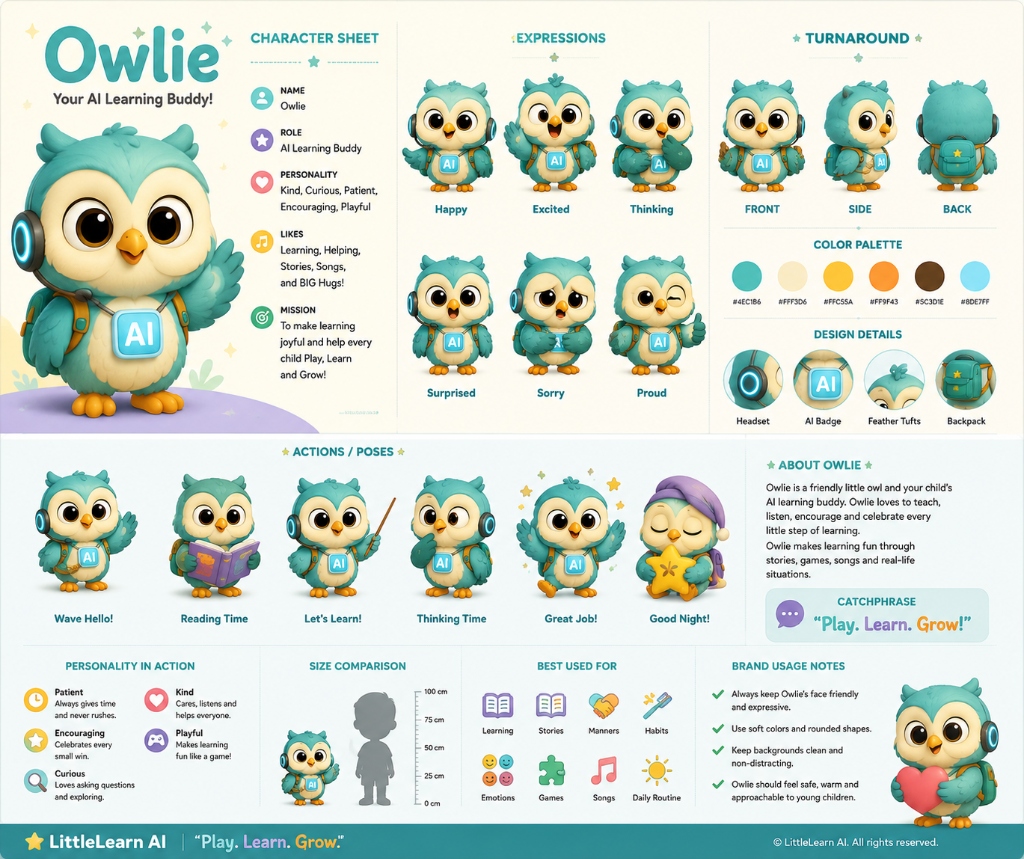
Struggling is a normal part of development. Children require spaced repetition. Play simple, low-pressure physical games matching that sound, and let them play the corresponding app modules with Owlie, who will guide them patiently.
Can I track progress for multiple children?
Yes. The Parent Center allows you to create separate profiles for each child, ensuring their learning paths, mastered sounds maps, and dashboard metrics are tracked individually.