Introduction
Children are natural scientists. Long before they step into a school lab, they are dropping toys to test gravity, mixing dirt with water to study mud, and looking at the night sky wondering where the moon goes.
However, traditional methods of teaching science often crush this curiosity. Flat drawings in textbooks or passive 2D videos can make complex topics (like how a seed grows, how the planets orbit, or how the human heart pumps) look dry and difficult.
This is where Visual Learning 3D steps in. By allowing children to rotate, zoom, and interact with 3D science models, apps can transform abstract scientific concepts into an immersive, hands-on playground.
The Power of 3D Visual Learning for Young Minds
Preschoolers and early primary children (ages 4 to 7) are concrete thinkers. They learn by touching, moving, and examining things. 3D visualization offers several unique learning benefits:
- Improves Spatial Understanding: Rotating a 3D Earth model helps children understand day and night far better than looking at a flat world map.
- Encourages Active Exploration: Instead of sitting back and watching a screen, kids tap and drag to peel back layers—such as looking inside a plant stem or seeing the chambers of the heart.
- Engages Visual and Tactile Memory: Combining high-quality 3D animations with touch controls builds stronger memory connections, helping kids recall facts months later.
3 Core 3D Science Themes Your Child Can Explore
Here is how interactive 3D models simplify complex topics for kindergarteners:
1. Plant Life Cycles (How a Seed Grows)
Instead of just reading that plants need water, children can interact with a 3D soil model. They drag a seed into the dirt, slide a watering can to moisten the soil, and watch roots branch out under the surface in real-time. They can rotate the seedling to inspect the leaves and stem from different angles.
2. Solar System & Moon Phases
Where does the sun go at night? Why does the moon change shape? By rotating a 3D model of the Sun, Earth, and Moon, kids see how the Moon orbits the Earth, creating shadows. They can pinch-to-zoom to look at the craters on the moon, turning astronomy into a personal space mission.
3. Human Body & Anatomy
Instead of scary medical diagrams, children can interact with a friendly, cartoon 3D organ map. They can tap the heart to watch it expand and contract, see how lungs fill with air when we breathe, or follow food as it travels through the digestive system.
Comparing 2D Video vs. Interactive 3D Science
| Feature | 2D Cartoons/Videos | Interactive 3D Models (PLG Kids) |
|---|---|---|
| Engagement Level | Passive (Leaned Back) | Active (Leaned Forward) |
| Perspective Control | Fixed camera angle | Free 360-degree rotation and zoom |
| Pacing | Fast-paced, often overstimulating | Child-led, slow, and exploratory |
| Retention | Short-term visual recognition | Deep conceptual understanding |
Sparking Science Curiosity at Home with PLG Kids
At LittleLearn AI, we integrated WebGL-based 3D models directly into our UKG Science and General Knowledge (GK) modules.
In our Visual Learning 3D lessons:
- Children use simple swipe gestures to rotate planet systems, plants, and organ models.
- The app asks verbal questions: "Which organ pumps blood?" or "Where does the seed grow roots?"
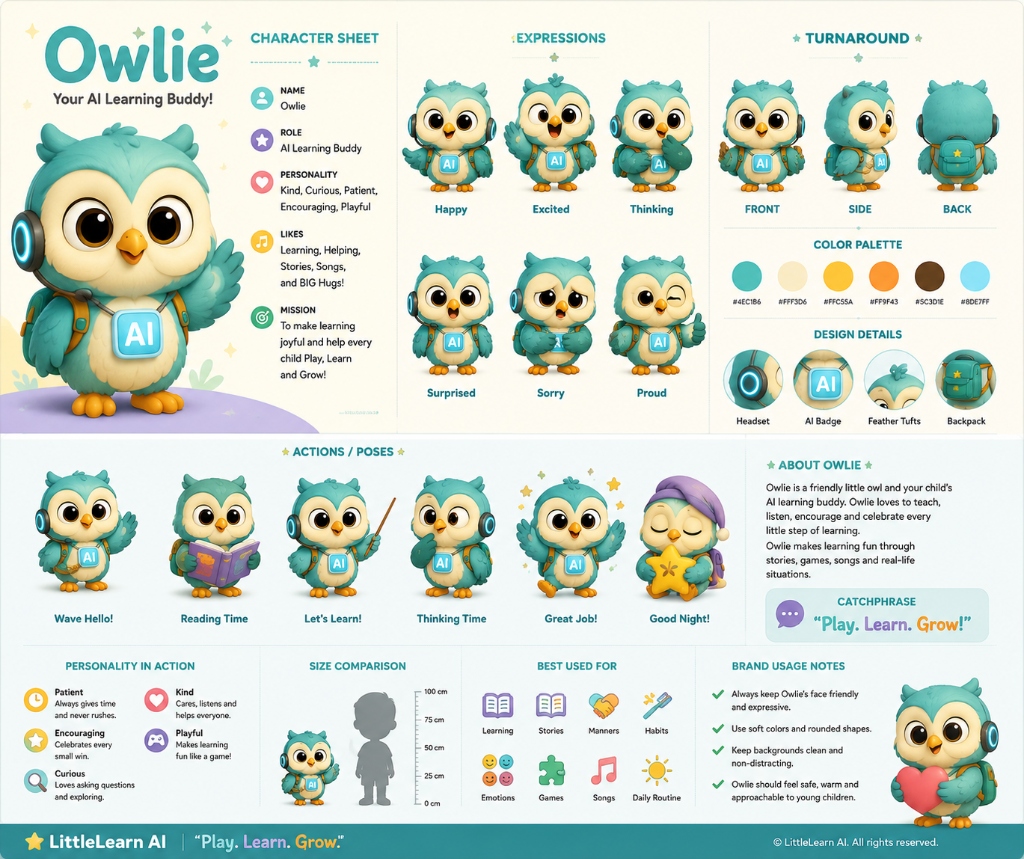
- Children speak their responses, and their AI learning buddy, Owlie, validates their answers using local speech recognition.
Check out the interactive activities in the PLG Kids learning app today!
Frequently Asked Questions (FAQ)
Is 3D learning too advanced for a 4-year-old?
No. The interface is designed specifically for early learners. There are no complex text menus—only simple swipe gestures (rotate), pinch gestures (zoom), and tap interactions that feel completely natural to digital-native children.
How does 3D science help with vocabulary?
By interacting with parts of a 3D model (like the roots, stem, petal, or leaves of a plant), children hear and see the terms simultaneously. This visual-auditory matching accelerates vocabulary acquisition and retention.
Can we view these 3D models on a mobile phone?
Yes. Our WebGL models are fully optimized to run smoothly on tablets and mobile phones without slowing down the device or draining the battery.